Quadro Workstation GPUs, displays, and creator-grade performance.

Quadro

Workstation GPUs, displays, and creator-grade performance.

Latest Articles

VRAM Headroom Is Not a Luxury: Mapping Creator AI Workloads Against 12GB to 32GB Workstation Cards
Workstation GPUs

VRAM Headroom Is Not a Luxury: Mapping Creator AI Workloads Against 12GB to 32GB Workstation Cards

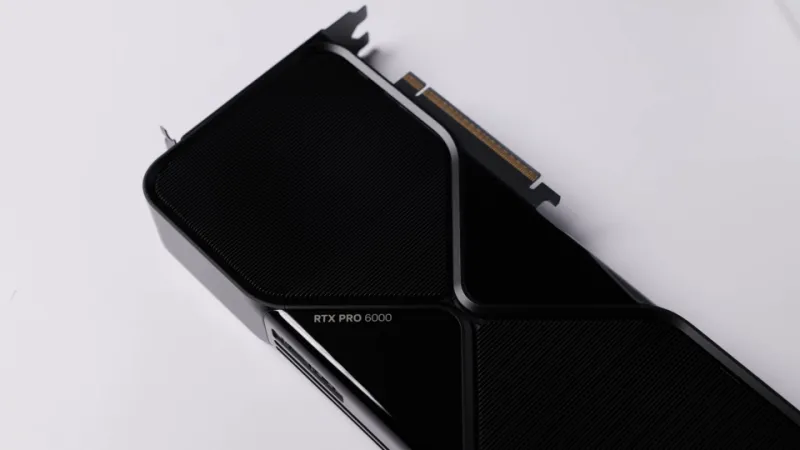
Creator AI tools do not all demand the same VRAM, but the 16GB tier is where many mixed workflows hit a hard ceiling. This framework maps local assistants, diffusion, denoising, and 3D previews across 12GB, 16GB, 24GB, and 32GB cards to help US prosumers buy headroom without overpaying.

The Signal Chain Is Guilty Until Proven Innocent: Auditing KVM and Dock Hardware on a Calibrated Desk
Displays

The Signal Chain Is Guilty Until Proven Innocent: Auditing KVM and Dock Hardware on a Calibrated Desk

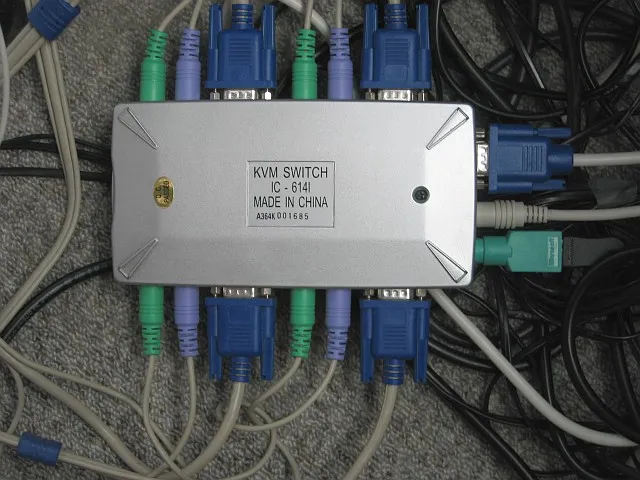
A calibrated panel is only as accurate as the signal it receives. This audit shows US studios how to test KVM switches, docks, and capture loops for color depth, HDR, refresh rate, and EDID handshakes before a convenience device quietly changes the evidence.

Year Two Is Where the Promises Get Tested: A Warranty Reality Check for US Workstation GPU Buyers
Warranty & Support

Year Two Is Where the Promises Get Tested: A Warranty Reality Check for US Workstation GPU Buyers

The first year of a workstation GPU warranty is mostly marketing. The second and third years are where replacement policy, depot geography, and refurbished-unit risk decide what a failure actually costs a US studio. Here is how to price that risk before you sign a purchase order.

The 30-Minute Fire Drill: Building a Driver Rollback Kit Before a Bad Update Costs You a Deadline
Workstation GPUs

The 30-Minute Fire Drill: Building a Driver Rollback Kit Before a Bad Update Costs You a Deadline

A new driver release is not a maintenance chore — it is a change to the one component every application in your studio depends on. This guide lays out a rollback kit you can build in an afternoon and execute in half an hour, with the QC numbers that tell you whether to revert or keep digging.

The Millisecond That Trips the Breaker: Auditing Transient Load on Workstation Power
Workstation GPUs

The Millisecond That Trips the Breaker: Auditing Transient Load on Workstation Power

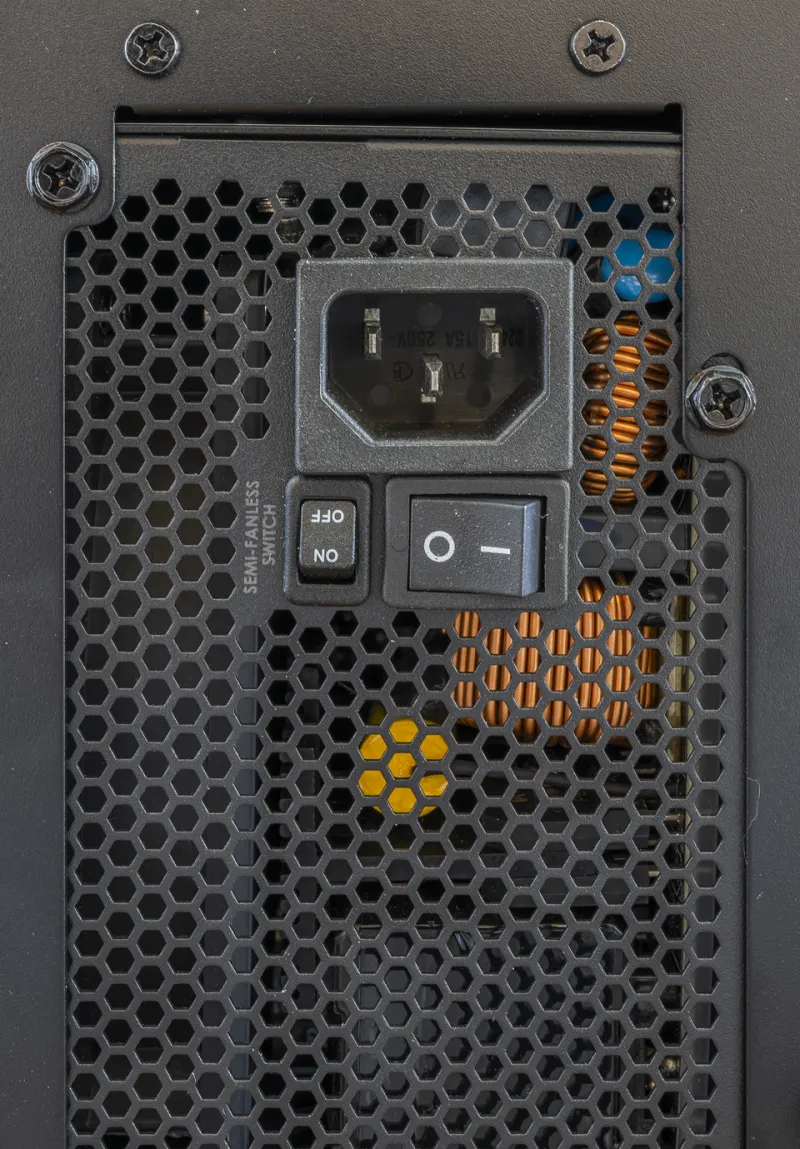
A 450 W card can ask for twice that in the span of a few hundred microseconds, and the failure usually surfaces as a display dropout rather than a clean shutdown. This audit covers ATX 3.1 excursion requirements, US branch-circuit arithmetic, UPS sizing, and a test sequence that isolates the actual culprit.

Silence as a Specification: An Acoustics Playbook for the Workstation Desk
Cooling & Acoustics

Silence as a Specification: An Acoustics Playbook for the Workstation Desk

Workstation performance is easy to quantify and office quiet is not, which is why so many capable builds end up sounding like a small server under the desk. This guide covers measurement, fan-curve tuning, case selection, and the coil whine and structural resonance that ruin eight-hour sessions.

Port Topology Is the Blind Spot on Every Workstation GPU Spec Sheet
Displays

Port Topology Is the Blind Spot on Every Workstation GPU Spec Sheet

A workstation card can have ample compute and memory and still fail a real studio desk, because the number of connectors says nothing about the bandwidth behind them. Here is how DisplayPort 2.1 link rates, HDMI FRL, USB-C lane sharing, MST hubs, and adapter chains decide what your monitors can actually do.

The Second-Owner Calculation: A Used 24GB Workstation Card Versus New Midrange Silicon
Workstation GPUs

The Second-Owner Calculation: A Used 24GB Workstation Card Versus New Midrange Silicon

The refurbished workstation GPU market has matured into something more interesting than a bargain bin, and a used 24GB card can be the correct purchase for one studio and an expensive mistake for another. This is a decision framework built around workload, driver longevity, power, cooling, and warranty exposure rather than sticker price.

Three Screens, One Truth: A Color Workflow for Studios With Mismatched Displays
Displays

Three Screens, One Truth: A Color Workflow for Studios With Mismatched Displays

Your laptop, your editing panel, and the monitor your client reviews on will never agree by accident. Here is how to assign each display a job, set targets that match your deliverables, and keep a color pipeline honest when nothing in the chain is identical.

The Wattage Ledger: What a Workstation GPU Really Costs Over Three Years
Workstation GPUs

The Wattage Ledger: What a Workstation GPU Really Costs Over Three Years

Benchmarks measure a card at its fastest moment. Ownership measures it at every other moment — the idle hours, the render tails, the summer afternoons when your office air conditioner is fighting the tower under the desk. A practical three-year ledger for US creators buying a workstation GPU in 2026.

Beyond the Pixel Count: How to Match a Display to Your GPU's Actual Output in 2026
Displays

Beyond the Pixel Count: How to Match a Display to Your GPU's Actual Output in 2026

A 6K panel is a wonderful thing to own and a frustrating thing to under-drive. Here is a practical framework for deciding when the extra resolution pays for itself, and where a well-chosen 4K display delivers more usable quality per dollar.

Premium or Prestige? Where RTX PRO, Radeon Pro, and Arc Pro Actually Earn Their Keep for US Studios
Workstation GPUs

Premium or Prestige? Where RTX PRO, Radeon Pro, and Arc Pro Actually Earn Their Keep for US Studios

Spec sheets and ISV logos are easy to print and hard to verify. This breakdown separates the workstation GPU features that change day-to-day creative output from the ones that mostly change the invoice, with US street pricing and thermal realities factored in.