The Wattage Ledger: What a Workstation GPU Really Costs Over Three Years
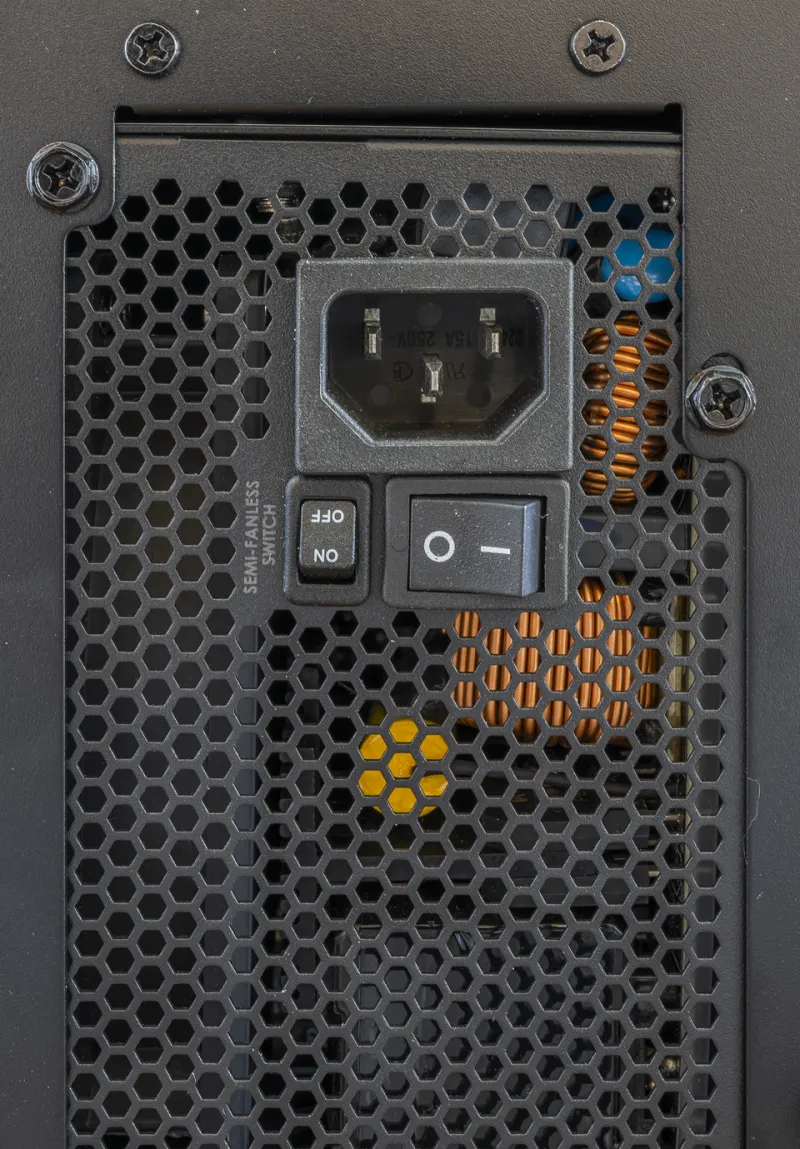
Photo: PantheraLeo1359531, CC BY 4.0, via Wikimedia Commons
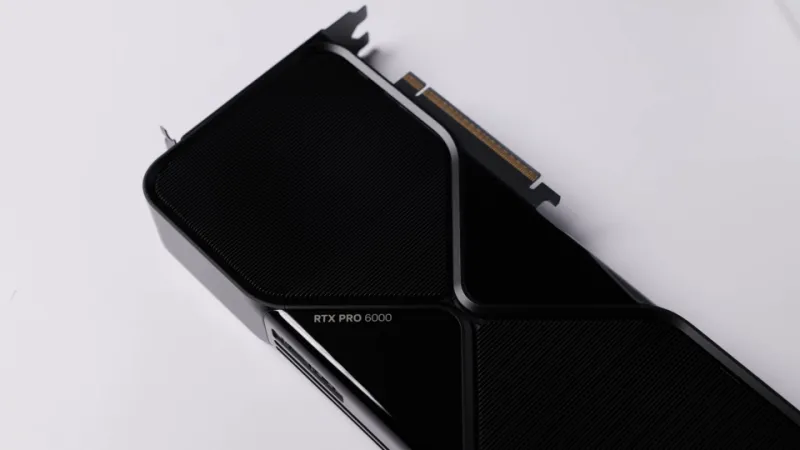
Buying a workstation GPU in 2026 is not difficult. Buying the right one is, because the numbers that dominate the conversation — VRAM capacity, memory bandwidth, a bar chart of frames per second across a benchmark suite — describe performance at the instant of use and almost nothing about the three years of ownership that follow. For a US creator running a single-seat studio or a five-person production shop, the card is a recurring cost dressed as a one-time purchase. The power supply that feeds it, the fans that move its heat into the room, the air conditioning that moves that heat out of the building, and the meter that records all of it are part of the same invoice. They simply arrive in smaller installments, which is exactly why they get ignored.
This is not an argument for buying the smallest card you can tolerate. It is an argument for reading the second page of the spec sheet — the one with board power and thermal design — with the same attention you give the first.
Board power is not the number you plan around
Vendors publish total board power, not chip power, and even that figure describes a sustained average. High-end boards routinely pull two to three times their rated wattage for a few milliseconds at a time, which is why the ATX 3.1 specification and the 12V-2x6 connector now spell out excursion tolerance rather than assuming a smooth curve. Size a supply against the sustained number plus a modest margin and you have sized it for the average rather than the worst case.
A workable rule for a single-GPU workstation: sustained card power, plus the CPU's sustained package power, plus about 150 W for memory, drives, fans, and peripherals. Then add 30 percent. Then confirm the supply's 12 V rail can deliver the transient figure the card maker lists. Units also run most efficiently around half load, so modest oversizing is not wasted money — it buys cooler operation and slower fan speeds at your typical working draw, which is a quality-of-life purchase as much as an electrical one.
Three costs that never appear in a review
Cooling remediation. A 300 W card dumps roughly 1,024 BTU per hour into the room. That is not a metaphor; it is the same arithmetic a space heater uses. Desks in converted bedrooms and small edit bays become noticeably warmer, and the card's own fans must spin faster because the case is pulling in air that is already several degrees above ambient.
Acoustic cost. Every extra watt of heat is a fan curve decision. Moving from a 250 W board to a 350 W board frequently moves a machine from inaudible to audible under sustained load, and an audible machine changes where you can put it and how long you can sit next to it.
Heat rejection by the building. Removing that heat with a heat pump at a coefficient of performance near three costs roughly a third of the card's draw again in electricity, on top of the fans doing the work. In Phoenix or Miami, that is summer. In a shared studio, it is the landlord's cooling system, and it is not free.
Doing the electricity math honestly
Residential rates in the US averaged somewhere near 18 cents per kilowatt-hour in the most recent federal data, with state averages stretching from roughly 11 cents in parts of the Pacific Northwest and the South to well above 30 cents in California, New England, and Hawaii. Check your own bill — the delivery and supply split matters more than the headline rate.
The formula is unglamorous: watts times hours, divided by 1,000, times your rate. A hundred-watt difference between two candidate cards, run for 1,000 hours of real load in a year, is 100 kWh — about $18 at the national average. That is the part of the story people overestimate. Direct electricity is rarely the deciding factor between two cards in the same class. The second-order costs are where the money lives: the larger power supply, the quieter case, the extra cooling, the UPS sized for the transient, the resale value of a card that has been power-limited for three years.
Idle wattage is the line item that compounds
A machine left running around the clock at a 60 W idle instead of 15 W consumes about 394 kWh more per year, roughly $70 at the average rate. Over three years, that is a mid-range lens. Modern cards idle far lower than their predecessors, but multi-GPU boxes, always-on render nodes, and systems with aggressive background indexing do not. Measure the whole system at the wall — a plug-in meter costs less than dinner — rather than trusting the GPU utility, which reports the card and not the platform.
Scenario: 3D and rendering
Rendering is the workload where sustained power actually becomes a bill, because the card sits near its limit for hours. A single workstation rendering overnight twice a week is looking at several hundred hours a year at full draw. The smarter comparison here is not watts but joules per completed frame: a card that finishes a scene in 40 minutes at 350 W often beats one that finishes in 55 minutes at 280 W. Efficiency at the top of the curve, not the peak number, decides it.
Scenario: video editing
Editing is bursty. Scrubbing, timeline playback, and effects previews push the card hard for seconds at a time, while export may be handled by dedicated media engines that sip power compared with a software encode. For this workload, idle draw and fan behavior during light timeline work matter more than peak wattage, and a hardware encode path can cut total energy for delivery workflows substantially.
Scenario: local AI
Inference is the new sustained load, and it tends to run for longer stretches than rendering does. If a machine will sit at 80 percent utilization for eight hours a day, power limiting becomes a first-class tuning tool: a modest cap on board power typically costs a small percentage of throughput and a much larger percentage of heat. Measure tokens or samples per joule before assuming the fastest card is the cheapest one.
Building the ledger
Add, over 36 months: purchase price, minus realistic resale; power supply delta; any cooling or case change; a UPS sized for transient headroom; electricity at your actual rate for your actual hours; and the residual value of your own comfort in a room that is two degrees warmer. Put it in a spreadsheet next to the benchmark chart. The card that wins the chart is not always the card that wins the ledger, and in a small studio the ledger is the one that gets paid.
What to do on Monday
Meter the current machine at idle and under load. Set a power limit on the GPU and record the throughput cost. Set the display and system sleep timers deliberately rather than leaving defaults. Then spec the next purchase against your measured hours, not a reviewer's test bench. The card is a component; the bill is a system.